
Itsyhome
Your smart home, always one tap away.
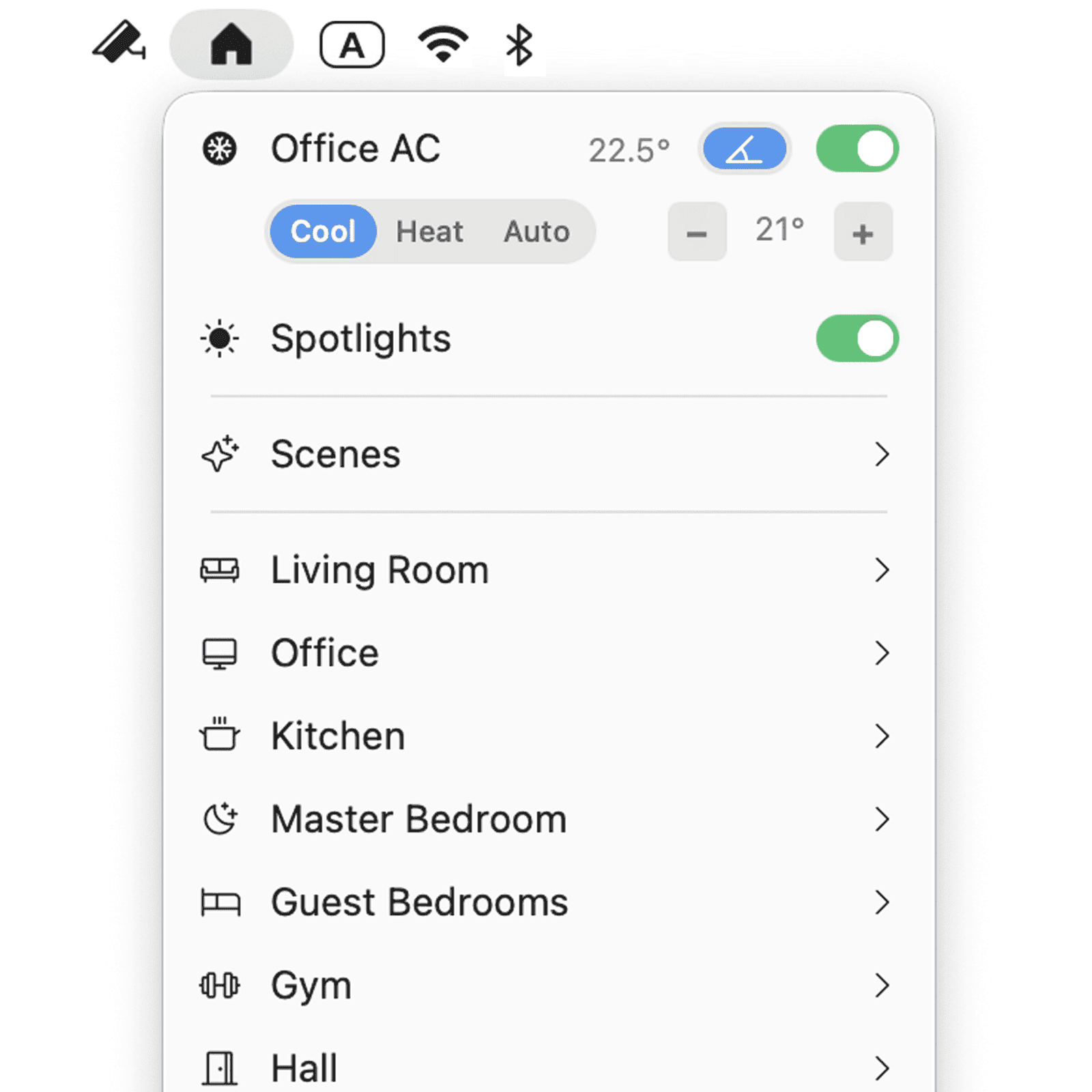
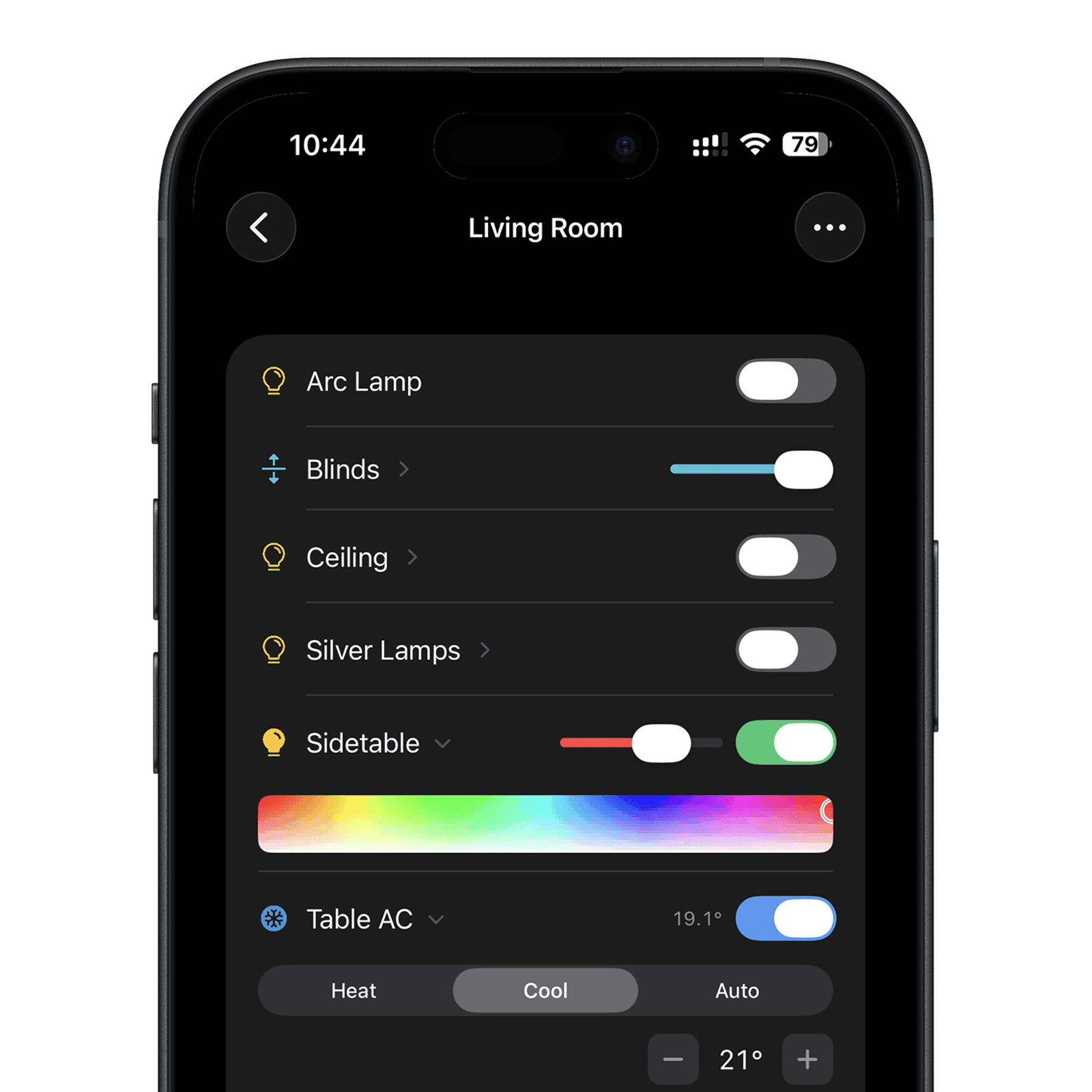
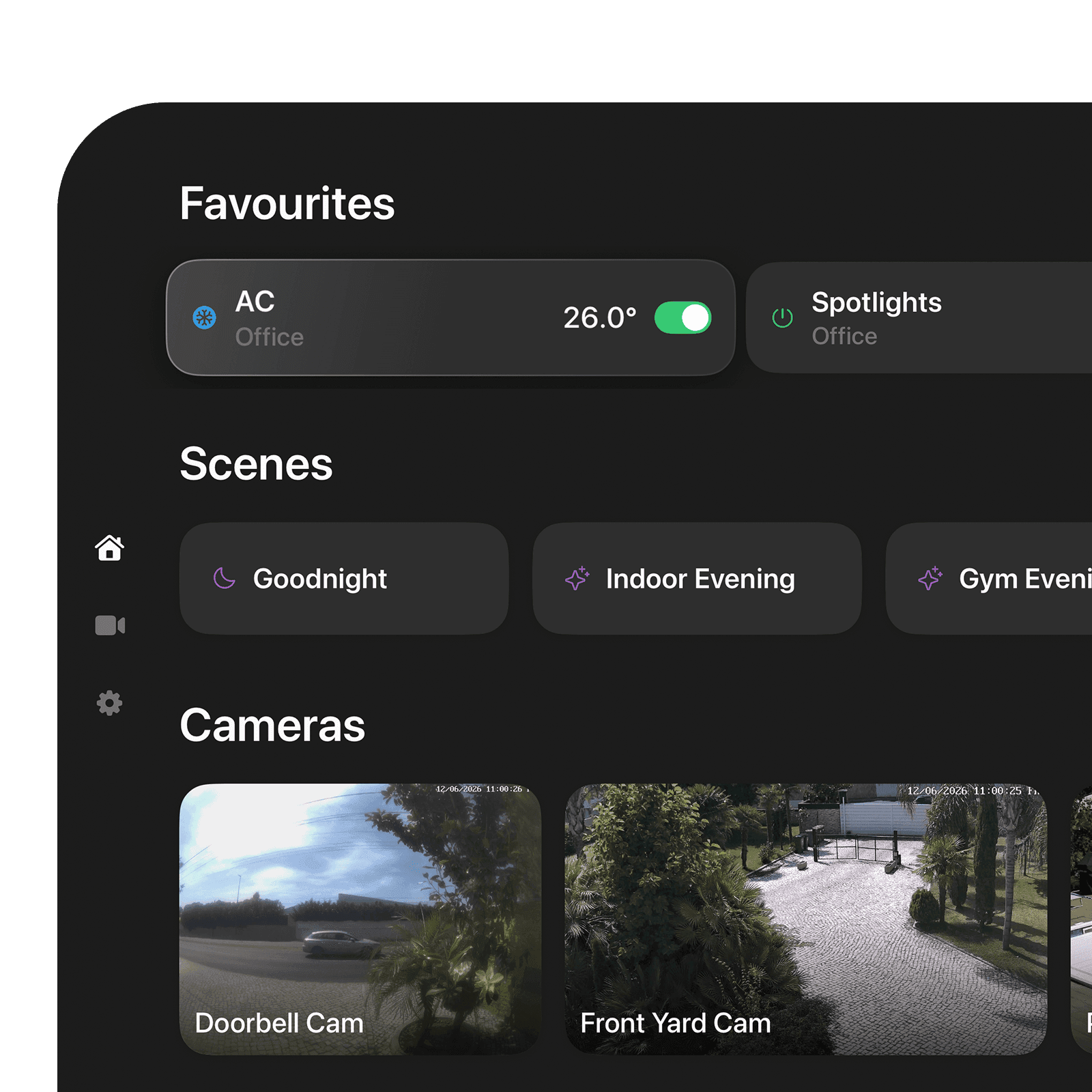
The most comprehensive HomeKit controller for Apple platforms – every accessory, scene, camera and automation in a single, modern interface. Built natively for iOS, iPadOS, macOS and tvOS, designed to feel like the system itself.
Universal purchase · support@itsyhome.app
Frequently asked questions
What is Itsyhome?
Itsyhome is a fast, native smart home controller for iPhone, iPad, Mac, and Apple TV. It controls Apple HomeKit on every platform and adds Home Assistant support on Mac, putting cameras, lights, thermostats, locks, fans, blinds, and more one tap away.
What platforms does Itsyhome run on?
Itsyhome runs on iPhone and iPad (iOS / iPadOS 17 or later), Mac (macOS 14 Sonoma or later), where it lives in the menu bar, and Apple TV (tvOS 17 or later). It also includes a standalone Apple Watch app. One universal purchase covers iPhone, iPad, Mac, and Apple TV.
Does Itsyhome work with HomeKit?
Yes. Itsyhome controls Apple HomeKit on iPhone, iPad, Mac, and Apple TV using Apple's native framework, so control stays on your local network with no third-party cloud.
Does Itsyhome support Home Assistant?
Yes, on Mac. The macOS app connects directly to your Home Assistant server over WebSocket and REST using a long-lived access token, locally or remotely (Nabu Casa, DuckDNS, and similar), with no intermediary cloud. You can use HomeKit, Home Assistant, or both.
How much does Itsyhome cost?
Itsyhome is free to download and use on Mac, with an optional one-time Pro unlock ($12.99) for cameras and advanced features. On iPhone, iPad, and Apple TV you get a 3-day free trial, then the same one-time Pro unlock is required. The unlock is a single purchase shared across all platforms, with no subscription and Family Sharing support.
Which devices can Itsyhome control?
Lights, switches, outlets, fans, thermostats, AC and heater-cooler units, blinds and window coverings, locks, garage doors, security systems, humidifiers, air purifiers, valves, cameras, and doorbells. It also displays temperature, humidity, motion, contact, occupancy, light, air quality, CO₂, CO, smoke, and leak sensors.
Can Itsyhome view security cameras?
Yes. Itsyhome streams live camera feeds with zoom and on-screen controls and offers a customisable camera mosaic. Doorbell rings pop the camera view automatically, and Home Assistant cameras stream over WebRTC for low-latency video.
Is my smart home data private?
Yes. HomeKit control runs locally through Apple's framework, Home Assistant connects straight to your own server, and iCloud sync uses Apple's end-to-end encrypted CloudKit. There are no API keys, no backend services, and no tracking.